 O‘zbekcha
 Русский
 English

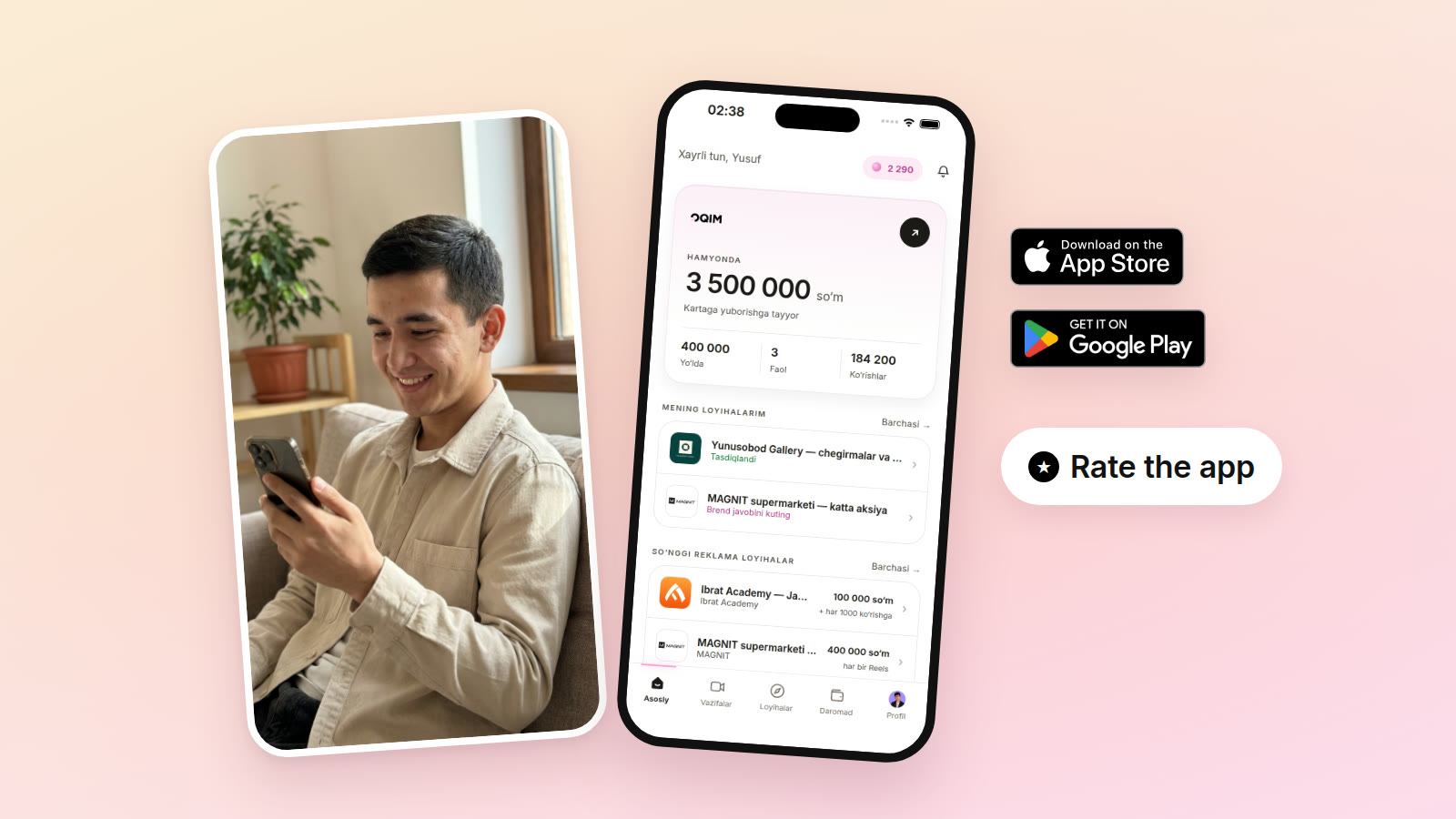
The OQIM creator app is now on the App Store and Google Play.
Until now you had to go to the website to see projects, get a script and track your earnings. Now it is all in one app: open your phone and you can see right away which projects are open, what they pay and where your video stands.
Where to download it
For iPhone, the app is on the App Store.
For Android, the app is on Google Play, which many people also call Play Market.
The app is free on both. You don’t need an Instagram account to sign up: without Instagram you can start in the “Tasks” section.
What’s in the app
Home: your wallet, your active projects and the newest ad projects in one place.
Projects: brands’ ad projects. Each one shows the topic, brief and payment before you join. You join the ones that suit you.
Tasks: for working without Instagram. You film a video to the brief and upload it to the app. You don’t have to post it on your page.
Earnings: how much you’ve made, how much is on its way and when it goes to your card.
Profile: your details, your Instagram account and settings.
Scripts are in the app too
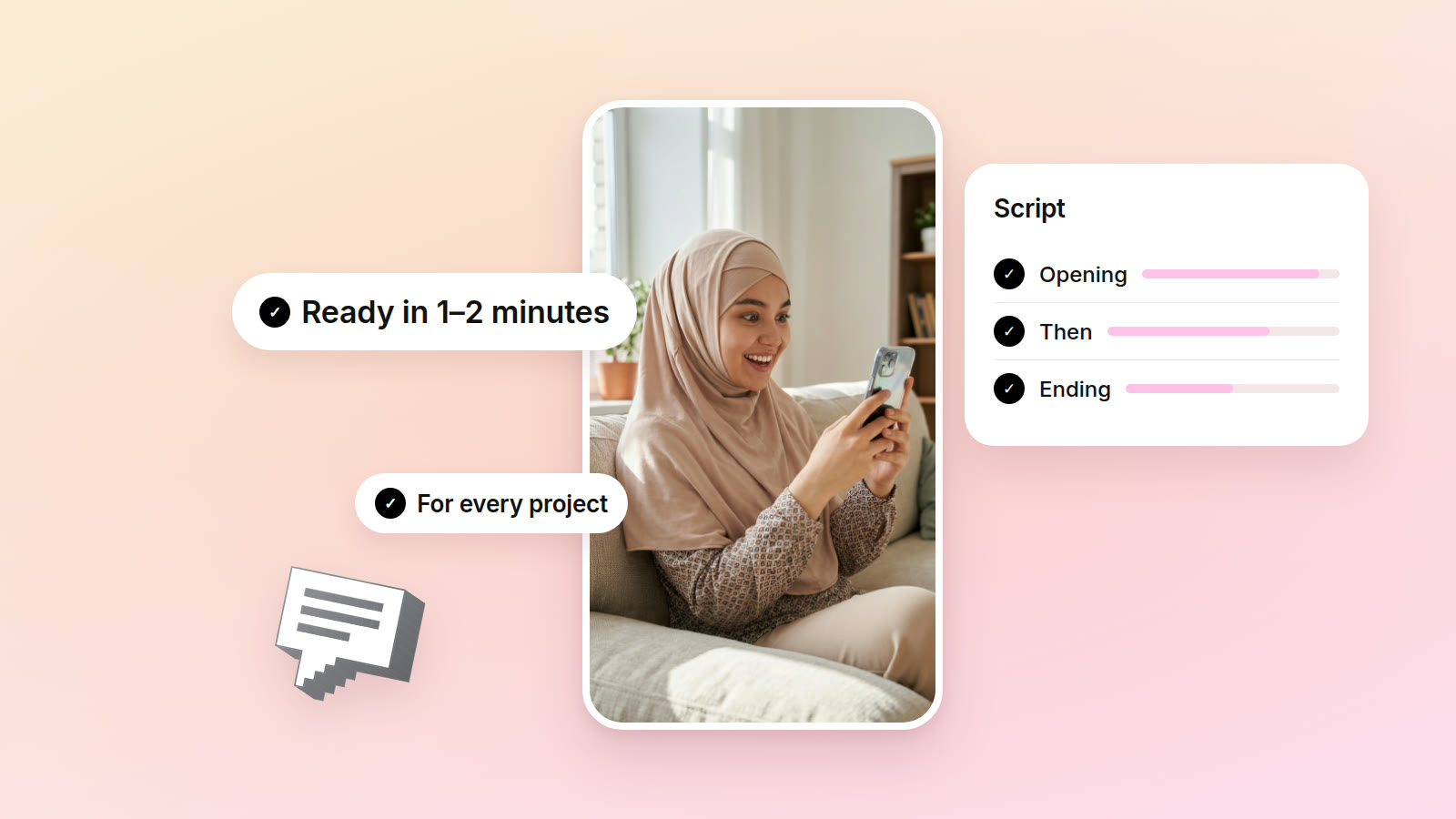
Once you join a project, your personal script is written right here. You can change it to suit you, copy it and keep it open while you film.
How payouts work
Once the brand approves your video, the earnings land in your wallet. When your balance reaches 100,000 so‘m, the money is sent to your Uzcard or Humo card.
How you’re paid depends on the project: for views, for each Reel, or for each video in a task. The project card tells you which before you join.
Coins
You collect coins in the app for being active and swap them for gifts. Your coin count is at the top of the home screen.
Please rate the app
Already downloaded it? Please give it a rating and leave a few words.
It matters a lot to us. Every rating helps other creators find the app, and your reviews show us what to fix: which button is awkward, what is hard to understand, what is still missing.
Rate it on the App Store · Rate it on Google Play
If something doesn’t work or you have a question, write to @oqim_help on Telegram.